
Overview
So InfluenciMax can manage your messages and comments, we need to establish a secure bridge with Meta, the company behind Facebook and Instagram. This process is quick and uses the official integration technology.
Video tutorial
Before you start
- Confirm that you have access to the Instagram account you want to connect.
- Make sure you are an administrator of the page linked to that Instagram account.
- During the connection process, pay close attention to the permissions requested by Meta.
Step by step
- The Integration Button: Inside the platform, you will use the Instagram login. It is important that you are the administrator of the page linked to your Instagram account.
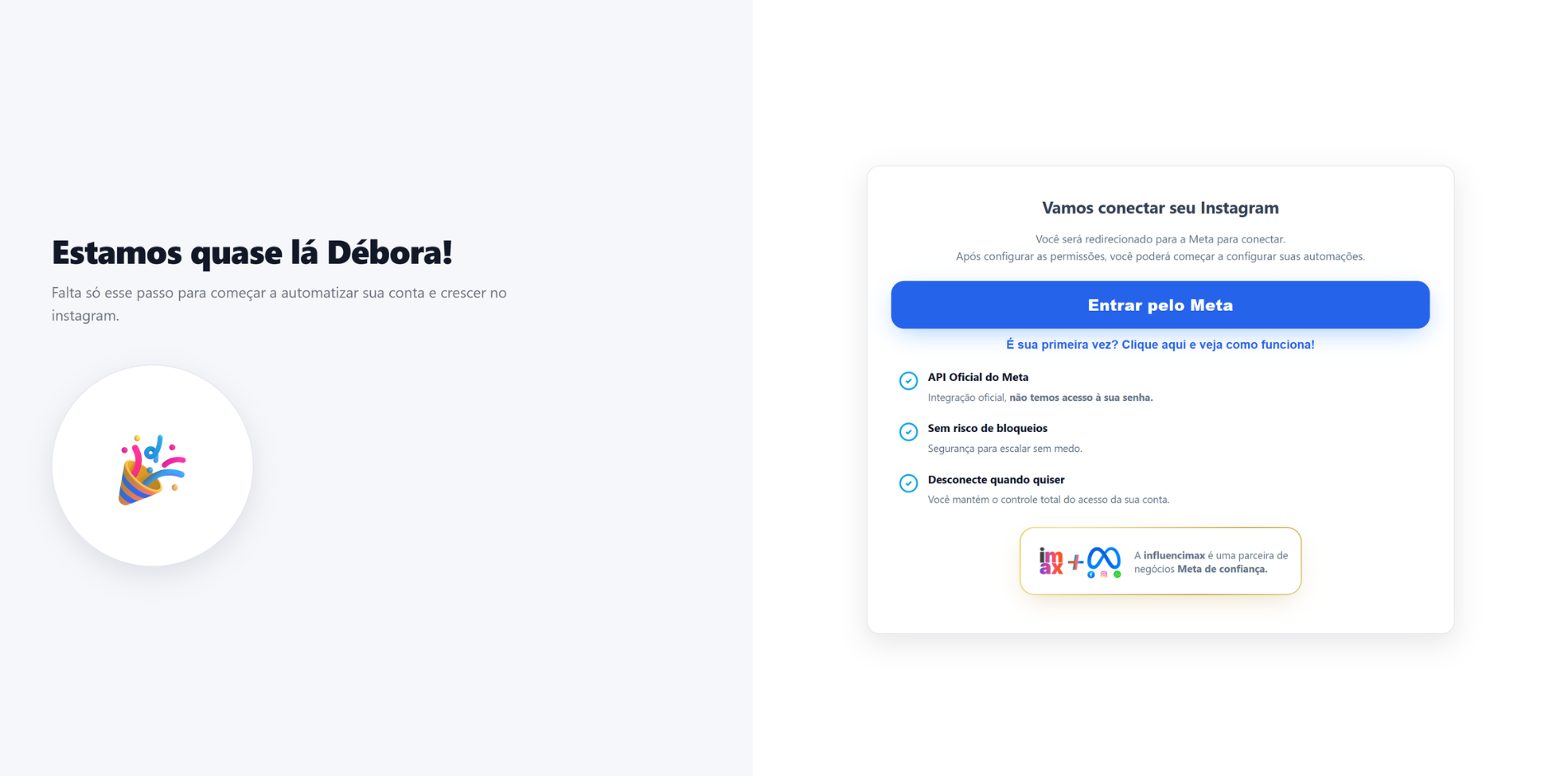
- Security First: Authorization is completed directly in the secure Facebook/Meta environment.
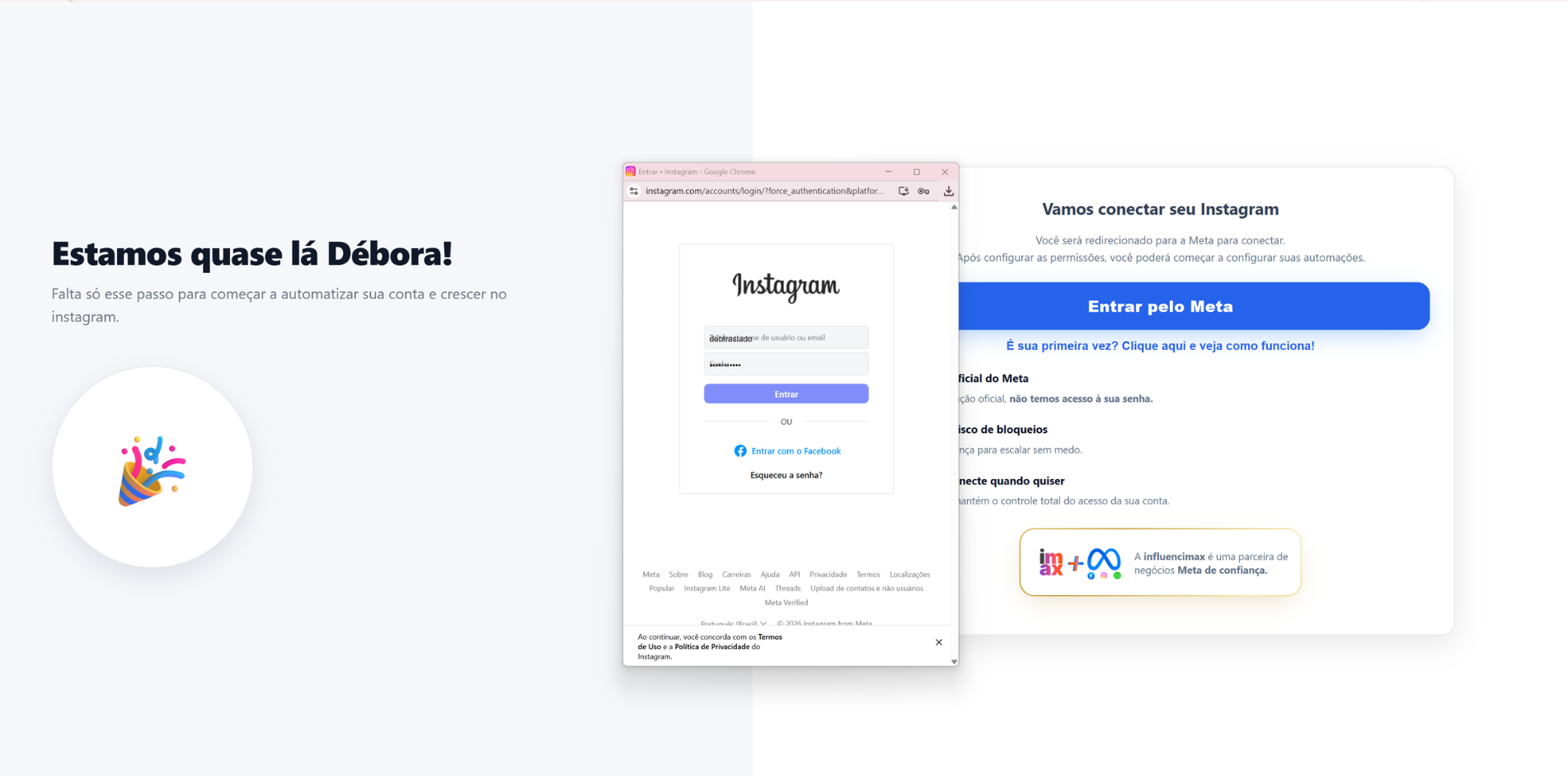
- Full Permissions: During the process, Instagram will ask whether you allow InfluenciMax to access your messages. It is essential to say “Yes” to everything so the AI can reply to your customers for you.
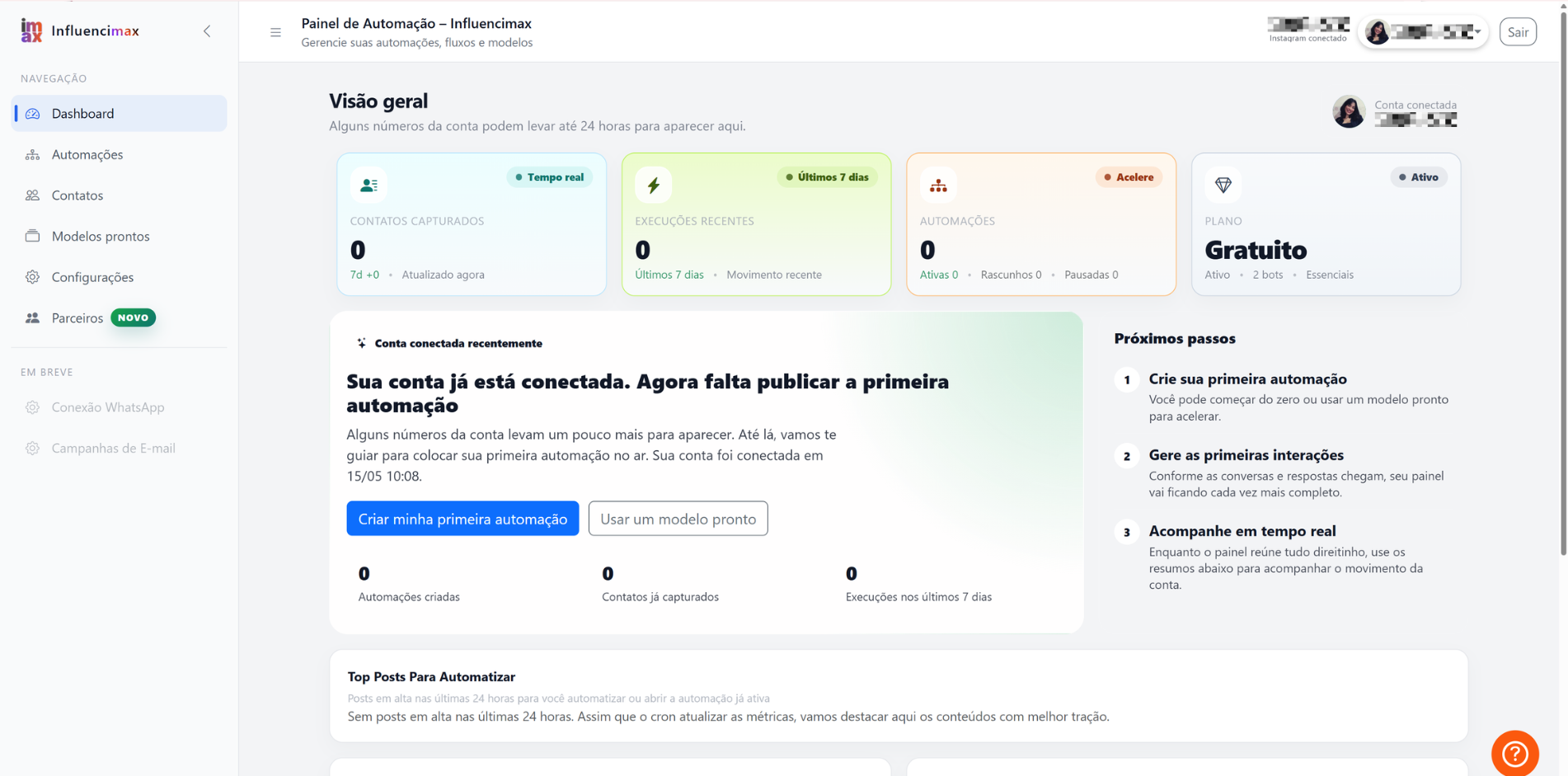
- Final Check: Once you finish, your profile photo will appear in our dashboard, confirming that the “machine” is ready to start working.
If something does not work
- Account or page does not appear: confirm that you are logged in with the correct profile and that you have administrator permission on the page linked to Instagram.
- Incomplete permissions: if any permission is denied, InfluenciMax may not be able to manage messages and comments correctly. Reconnect and accept all required permissions.
- Multiple accounts: if you manage several accounts, select only the ones you want to automate at this time.
- Password changed: if you change your Instagram password in the future, you may need to renew this connection for security reasons.
Expected result
After completing the integration, your Instagram account will be connected to InfluenciMax, allowing the platform to manage messages and comments securely according to the permissions you authorized.